30 Catchy Flyer Design Ideas for Your Small Business Social Media Marketing
- Tonya George
- 1 day ago
- 5 min read

Do you ever feel like your social media posts are just floating into a digital void? I’ve been there. You spend hours crafting a caption, only for it to be scrolled past in a heartbeat. But here is a little secret I’ve learned in my years as a social media manager: a well-designed digital flyer is like a magnet for the eyes.
Whether you’re posting on Facebook, Instagram, or LinkedIn, your visuals need to do the heavy lifting before your audience even reads a single word. In 2026, the competition for attention is fiercer than ever. That’s why I want to share 30 catchy flyer design ideas that will help your small business stand out, look professional, and: most importantly: convert followers into loyal customers.
Why Your Digital Flyer Needs a Strategy
Before we dive into the "what," let’s talk about the "why." A flyer isn't just a piece of paper anymore. It’s a versatile marketing tool that lives on your grid, in your stories, and in your customers' direct messages.
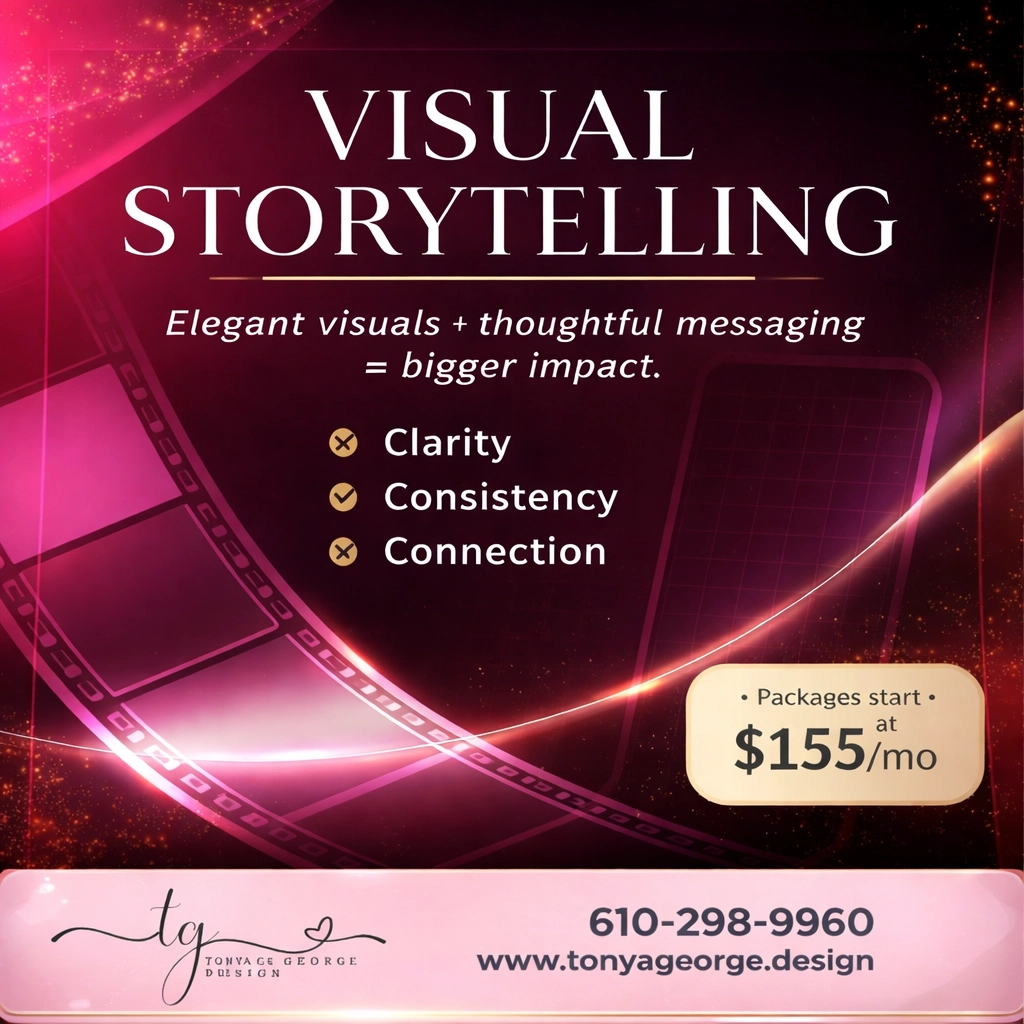
When you create a digital flyer, you are essentially creating a mini-billboard. It needs to be clear, consistent, and full of heart. If you’re struggling to keep up with the demand for fresh content, you’re not alone. Many of my clients find that integrating a social media manager with a virtual assistant is the ultimate game-changer for staying consistent without the burnout.
30 Creative Flyer Ideas for Your Brand
1. The Marble Masterpiece
Use a marble pattern background with soft pastel swirls. This looks incredibly high-end for boutiques or lifestyle brands. It screams "luxury" without saying a word.
2. Gold Luxury Lines
Nothing says professional quite like sleek gold lines on a white or charcoal background. It’s a classic choice for consultants or high-end service providers.
3. Bold Geometric Shapes
Green or blue geometric layouts offer a modern, corporate feel. It’s organized and easy to read, making it perfect for sharing company updates or service lists.
4. The "Ripped Paper" Look
Give your digital flyer some texture! A ripped paper effect adds a tactile, DIY-chic feel that works wonders for creative businesses or craft shops.
5. Vibrant Color Blocking
Try a bold orange circle centerpiece against a striped background. It’s loud, it’s proud, and it’s impossible to ignore while scrolling through a Facebook feed.
6. The Hero Image Focus
Let one high-quality photo take up two-thirds of the flyer. Whether it’s your face or your flagship product, a "Hero" image builds immediate trust.
7. Interactive QR Codes
Bridge the gap between your flyer and your website. Including a stylized QR code can lead people directly to your lead generation pages or a specific discount link.
8. Die-Cut Digital Outlines
Don't stick to a boring square. Use "die-cut" style graphics where your product pops out of the frame. It adds depth and a 3D feel to a 2D screen.
9. Minimalist White Space
Sometimes, less really is more. A clean, white background with one sentence in a bold, elegant font can be more striking than a cluttered design.
10. The Flash Sale Neon
Use bright neon pinks and yellows for urgent promotions. It mimics the look of a neon sign and creates a sense of excitement and "buy now" energy.
11. Customer Testimonial Spotlight
Turn a glowing review into a flyer. Use a soft background and put the quote in the center. Social proof is the fastest way to build credibility.
12. "Meet the Expert" Feature
If you are the face of your brand, put yourself on a flyer! Share a quick tip or a fun fact. It humanizes your business and makes you approachable.
13. Comparison "This vs. That"
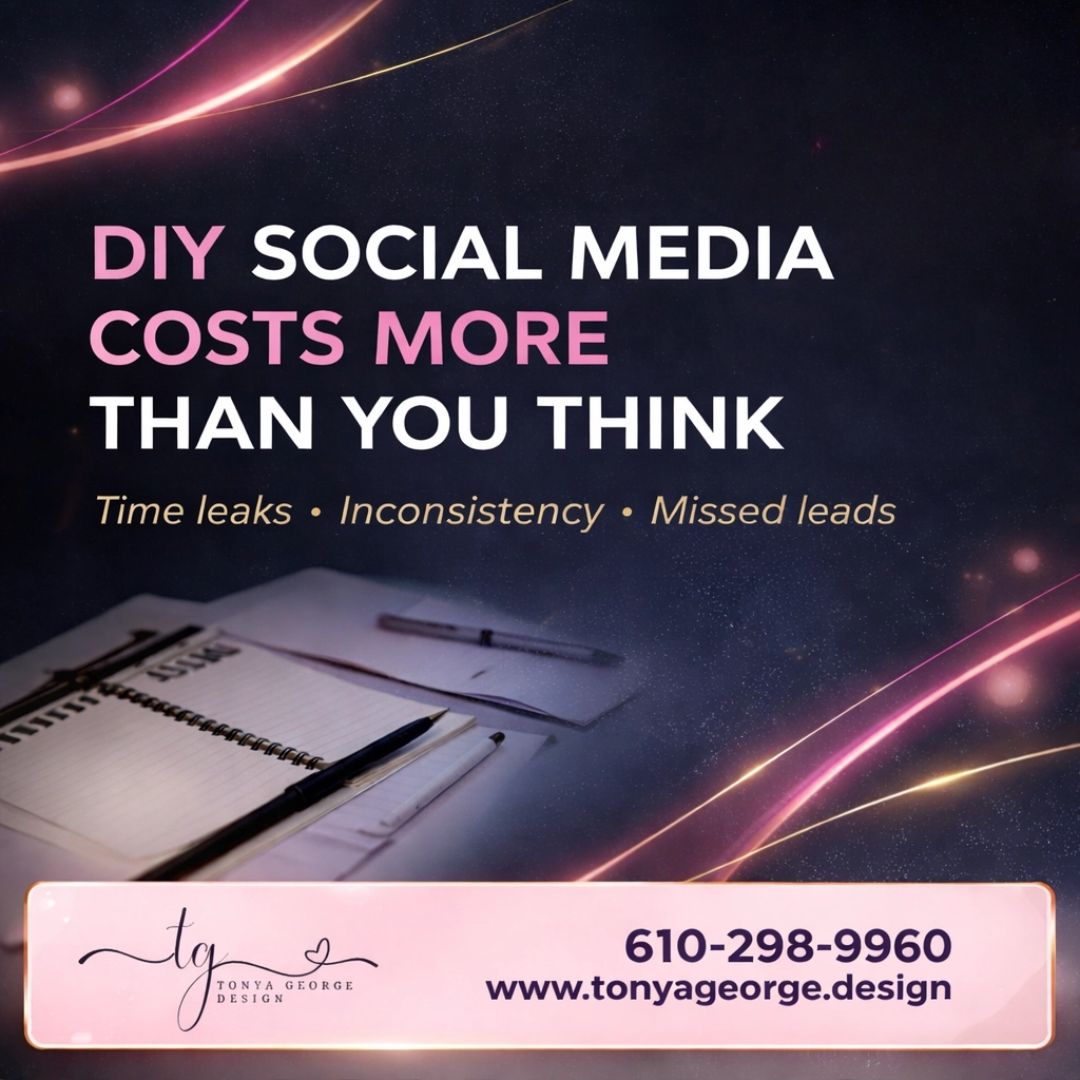
Visualizing the value of your service compared to the alternative is powerful. For example, I often show how DIY social media costs more than you think through a simple side-by-side flyer.
14. Hiring Announcements
Looking for a new team member? A "We’re Hiring" flyer should be clean, professional, and reflect your company culture.
15. The "Save the Date" Event Flyer
Whether it’s a webinar or a local networking meet-up, use high-contrast colors to ensure the date and time are the first things people see.
16. Step-by-Step Educational Guide
Create a "how-to" flyer. People love to save educational content, which boosts your engagement and reach.
17. Seasonal Holiday Themes
From winter wonderlands to summer vibes, updating your flyers for the season keeps your brand feeling relevant and current.
18. The Infographic Summary
Summarize a blog post or a complex topic into three quick icons and bullet points. It’s "snackable" content at its best.
19. Behind-the-Scenes Peek
Use a polaroid-style frame for a photo of your workspace. It feels authentic and "graceful," which is a core value here at Tonya George Design.
20. "Coming Soon" Teaser
Build hype for a new product with a mysterious, darkened image and a simple "Stay Tuned" headline.
21. Referral Program Invite
Offer a reward for referrals and put it on a beautiful flyer that your current clients will want to share with their friends.
22. Motivational Monday Quote
Pick a quote that aligns with your brand values. Use your brand colors and logo so that when it’s reshared, your name goes with it.
23. Frequently Asked Questions (FAQ)
Address a common objection or question in a clear, easy-to-read flyer format. It saves you time in the DMs!
24. Checklist Style
People love checking things off. A "Daily Success Checklist" or "Home Maintenance Checklist" flyer provides instant value.
25. Partnership Announcement
Are you collaborating with another brand? Use both logos and a unified color palette to celebrate the partnership.
26. The "Searchable" Graphic
Focus on "Social SEO." Use keywords in your flyer text. I’ve written about how keyword hacks can make your posts searchable, and the same applies to your graphics!
27. Anniversary Celebration
Celebrate your business milestones. Whether it’s one year or ten, a celebratory flyer makes your followers feel like part of the family.
28. Service Menu
List your top three services with clear pricing or "starting at" rates. Transparency builds trust quickly.
29. The "Myth vs. Truth"
Debunk a common misconception in your industry. It’s a great conversation starter for LinkedIn or Facebook groups.
30. A Simple Call to Action (CTA)
Sometimes, the best flyer is just a clear instruction: "Click the link in bio" or "Text us today."

Quality Control: The Secret Sauce
Design is only half the battle. Before you hit "publish," you need to make sure your flyer is actually functional. I can't tell you how many times I've seen beautiful graphics with typos or links that don't work. It’s heartbreaking!
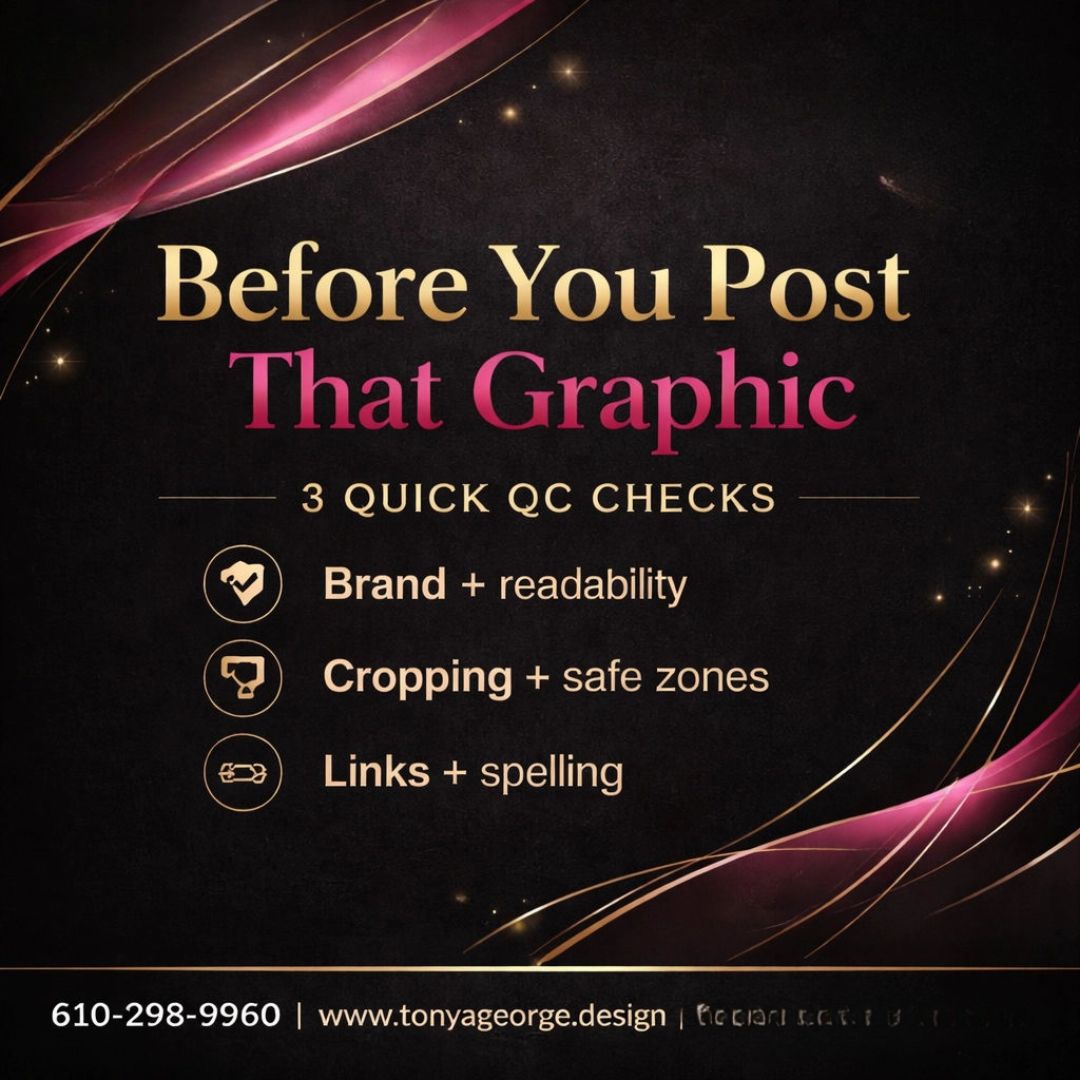
I always recommend a quick three-point check:
Readability: Is the font big enough to read on a tiny phone screen?
Safe Zones: Is the text too close to the edges where it might get cropped?
Accuracy: Are the spelling and links 100% correct?
Bringing It All Together
Creating 30 different flyers might sound like a lot of work, but remember, you don't have to do it all at once. Start with one or two ideas that resonate with your business goals this week. Maybe it's a customer testimonial or a new service menu.
Your social media is your stage, and these flyers are your script. They tell your story when you aren't there to speak for yourself. If you find yourself overwhelmed by the design process or the need to stay consistent, reach out. Whether you need a full social media manager or just some back-office support to handle the details, I’m here to help you shine.
Small business marketing shouldn't feel like a chore. It should feel like a celebration of what you’ve built. With the right design and a consistent strategy, you’ll watch your engagement grow and your community flourish.
Get in Touch Website: www.tonyageorge.design Phone: 610-298-9960 Email: info@tonyageorge.design
Comments