How to Create Scroll-Stopping Reels in 5 Minutes (Even If You're Camera-Shy)
- Tonya George
- Jan 22
- 5 min read

Let's be honest. The thought of pressing record and seeing your own face staring back at you? It can feel absolutely terrifying.
Maybe you've been putting off Reels for months. Maybe you've scrolled past countless tutorials thinking, "That's great for them, but I could never do that." Or maybe you've started filming a dozen times only to delete everything in frustration.
Here's what I want you to know: you don't have to show your face to create Reels that stop the scroll.
And you definitely don't need hours of time, fancy equipment, or influencer-level confidence to make it happen.
In the next few minutes, I'm going to walk you through exactly how to create engaging, professional-looking Reels in just five minutes, even if the thought of being on camera makes you want to hide under your desk.
Ready? Let's dive in.
Why Reels Matter for Your Business Right Now
Before we get into the how, let's talk about the why. Because understanding why Reels are so powerful will help you commit to actually doing them.
Reels are the fastest-growing content format across Instagram and Facebook. The algorithm loves them. Your audience loves them. And here's the best part, they give small businesses like yours an incredible opportunity to reach brand new people who've never heard of you before.
Think of Reels as your storefront window on a busy street. They're your chance to catch someone's attention, make them curious, and invite them to learn more.
But here's the thing: you only have about two seconds to make that happen.
That's why scroll-stopping content matters so much. And that's exactly what I'm going to help you create.

The 5-Minute Reel Framework
I've broken down the entire Reel creation process into three simple parts: Hook, Deliver, and CTA. Master this framework, and you'll never stare at a blank screen wondering what to post again.
Part 1: The Hook (0-2 Seconds)
Your hook is everything. It's the make-or-break moment that determines whether someone keeps watching or scrolls right past you.
Here's what works:
Bold on-screen text that makes a strong claim or asks a question
Eye-catching visuals or fast motion that grabs attention
A statement that creates curiosity like "You're probably doing this wrong" or "Stop making this mistake"
Remember, most people watch Reels with the sound off. So your hook needs to work on mute. That means your text overlay is doing the heavy lifting here.
Some hook ideas you can steal right now:
"3 things I wish I knew sooner about [your topic]"
"This changed everything for my business"
"The mistake most [your audience] make"
"POV: You finally figured out [problem they have]"
Part 2: The Deliver (2-4 Seconds)
Now that you've got their attention, it's time to deliver the goods. This is where you share your tip, show the transformation, or reveal the answer.
Keep it tight. Every single second needs to earn its place.
Here's how to make it work:
Use quick visual cuts to create energy and momentum
Show before-and-after visuals if applicable
Layer text-based tips over simple visuals
Trim any pauses or dead space ruthlessly
The goal is to keep viewers engaged long enough to get to your call to action. If something doesn't add value, cut it.
Part 3: The CTA (Last Few Seconds)
You've hooked them. You've delivered value. Now tell them what to do next.
A strong call to action might be:
"Save this for later"
"Follow for more tips"
"Comment below if you agree"
"Share this with a friend who needs it"
"Check the link in bio"
Don't skip this step! A clear CTA can dramatically increase your engagement and help the algorithm push your content to more people.

Camera-Shy Tactics That Actually Work
Okay, let's get to the good stuff. Here are my favorite ways to create amazing Reels without ever showing your face.
1. The Text-First Approach
This is my go-to recommendation for anyone who's camera-shy. Instead of filming yourself, you create Reels using bold text overlays on simple visuals.
What kind of visuals? Think:
Product shots or flat-lays
Screenshots of tips or quotes
Stock footage or simple graphics
Photos of your workspace or tools
You layer your text over these visuals, add trending audio, and boom: you have a professional-looking Reel without a single second of face time.
2. Voiceover Magic
Here's a little secret: your voice is powerful, even if your face never appears on screen.
Record your audio separately while showing visuals, text slides, or product shots. This lets you share your personality and expertise without the pressure of being on camera.
Plus, voiceovers often feel more intimate and personal than just text alone. It's like you're having a conversation directly with your viewer.
3. Ride the Trending Audio Wave
Trending sounds are your best friend when you're not showing your face. The algorithm tends to boost content that uses popular audio, which means more eyes on your Reel.
Pair trending sounds with text overlays and quick visuals. You get the visibility boost without needing to perform, dance, or do anything that makes you uncomfortable.
4. Behind-the-Scenes Without the Face
People love seeing behind the curtain of your business. And guess what? You can show them without ever appearing on camera.
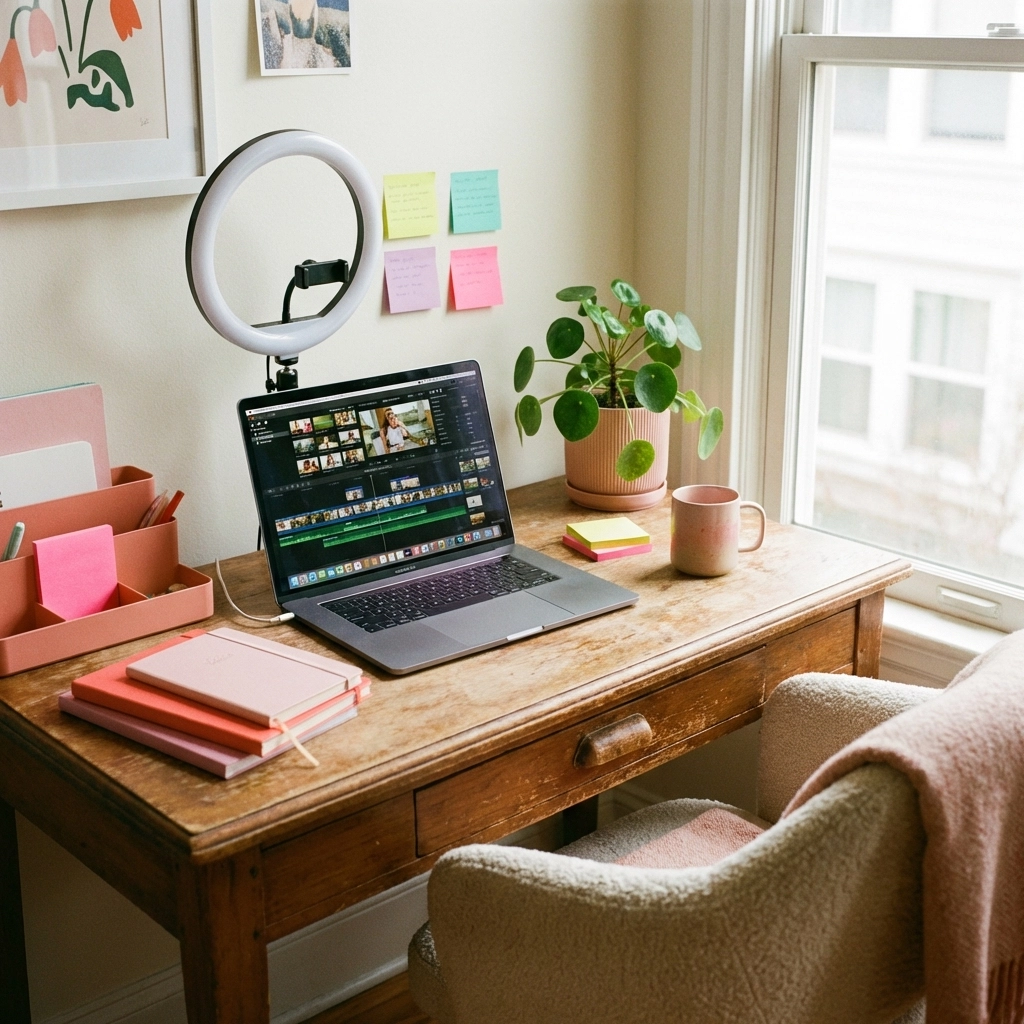
Film your hands while you work. Show your desk setup or packaging process. Capture the small moments that make your business unique.
These "hands-only" shots feel authentic and relatable: and they're incredibly easy to film.
5. Jump Cuts for Energy
Here's a pro tip: rapid cuts between text slides, product images, or simple graphics create professional-looking energy without requiring multiple takes or any on-camera presence.
Think of each cut as a new "slide" in your visual story. Three to five quick cuts in a 10-second Reel can make your content feel dynamic and polished.
The Sweet Spot: How Long Should Your Reel Be?
Aim for 7-15 seconds total. This is the sweet spot for maintaining viewer retention while staying concise.
I know it might feel like you need more time to get your message across. But shorter Reels often perform better because people actually watch them all the way through. And watch time is one of the biggest factors the algorithm considers when deciding whether to show your content to more people.
When in doubt, trim it down.
Your 5-Minute Reel Workflow
Let me walk you through exactly how to create a Reel in five minutes or less:
Minute 1: Choose your topic and write your hook text
Minute 2: Gather 3-5 simple visuals (photos, screenshots, or quick clips)
Minute 3: Add your text overlays and arrange your clips
Minute 4: Select trending audio and adjust timing
Minute 5: Write your caption, add hashtags, and post
That's it. Five minutes. No face required.
You've Got This
I know putting yourself out there: even without showing your face: can feel vulnerable. But here's what I've seen time and time again: the businesses that show up consistently on Reels are the ones that grow.
You don't need to be perfect. You don't need fancy equipment. You don't even need to be comfortable on camera.
You just need to start.
So pick one of the camera-shy tactics from this post and create your first Reel today. It doesn't have to be amazing. It just has to exist.
And if you're feeling stuck or want some expert help with your social media strategy, I'd love to chat. Reach out and let's talk about how we can help your business shine online.
Your audience is waiting. Why not give them something to stop scrolling for?
Get in Touch Website: www.tonyageorge.design Phone: 610-298-9960 Email: info@tonyageorge.design
Comments