How to Write Captions That Show Up in Social Search (Instagram, TikTok & Facebook in 2026)
- Tonya George
- Feb 22
- 5 min read

Remember when hashtags were everything? You'd slap 30 of them at the end of every post and hope for the best? Well, 2026 has completely changed the game. Social media platforms now work more like Google: and your captions need to keep up.
People are searching inside Instagram, TikTok, and Facebook like never before. They're typing questions, looking for solutions, and expecting real answers. If your captions aren't showing up in those searches, you're invisible to potential clients who are actively looking for exactly what you offer.
The good news? Once you understand how social search works, writing optimized captions becomes second nature. Let me walk you through it.
Why Social Search Matters in 2026
Social media isn't just about posting pretty pictures anymore. It's become a search engine where people discover businesses, find solutions, and make buying decisions.
Think about it: When someone needs a local social media manager in Phoenixville, they're not just googling anymore. They're searching directly on Instagram or Facebook. If your captions don't contain the right keywords and phrases, you won't show up: even if you're the perfect fit.
The platforms have gotten smarter. They read your captions like search engines, matching what you write with what people are actually typing into the search bar. That means your caption strategy needs to shift from creative one-liners to keyword-rich, valuable content that answers real questions.
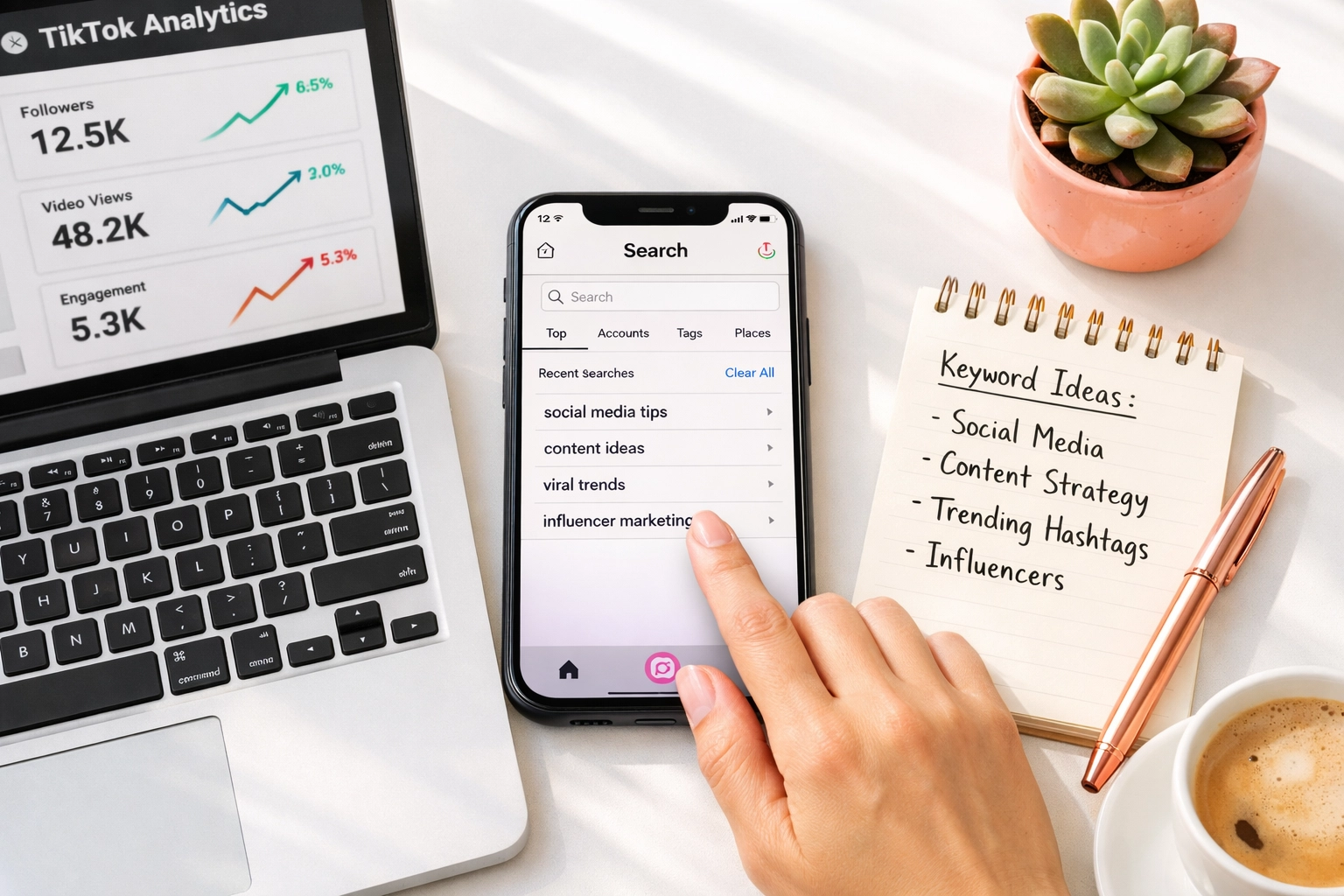
The Foundation: Lead With Clarity
Here's the rule that changed everything for my clients: Put your most important keyword in the first two sentences.
Why? Because the algorithm reads your caption from top to bottom, and it needs to understand immediately what your post is about. Plus, users only see the first 125 characters before they have to tap "More." Those opening words determine whether someone keeps reading or keeps scrolling.
Instead of starting with: "Happy Monday! ☀️ Today I'm sharing something exciting..."
Try: "Social media management for small businesses doesn't have to feel overwhelming. Here are 5 caption strategies that actually get you found in 2026."
See the difference? The second version tells both the algorithm and your reader exactly what they're getting: and it includes natural keywords that people search for.
Write Like Your Audience Searches
This is where most people go wrong. They write captions for themselves instead of for their audience's search behavior.
Your ideal client isn't searching for "aesthetic vibes" or "Monday motivation." They're typing specific questions like:
"How to get more Instagram followers as a small business"
"Best time to post on TikTok 2026"
"Facebook marketing tips for local businesses"
Use these exact phrases in your captions. Write full questions and answer them directly. The algorithm loves when your content matches search intent.
Try this exercise: Open Instagram or TikTok and start typing a question in the search bar. Look at what auto-completes. Those suggestions? That's what real people are searching for. Those are your golden keywords.
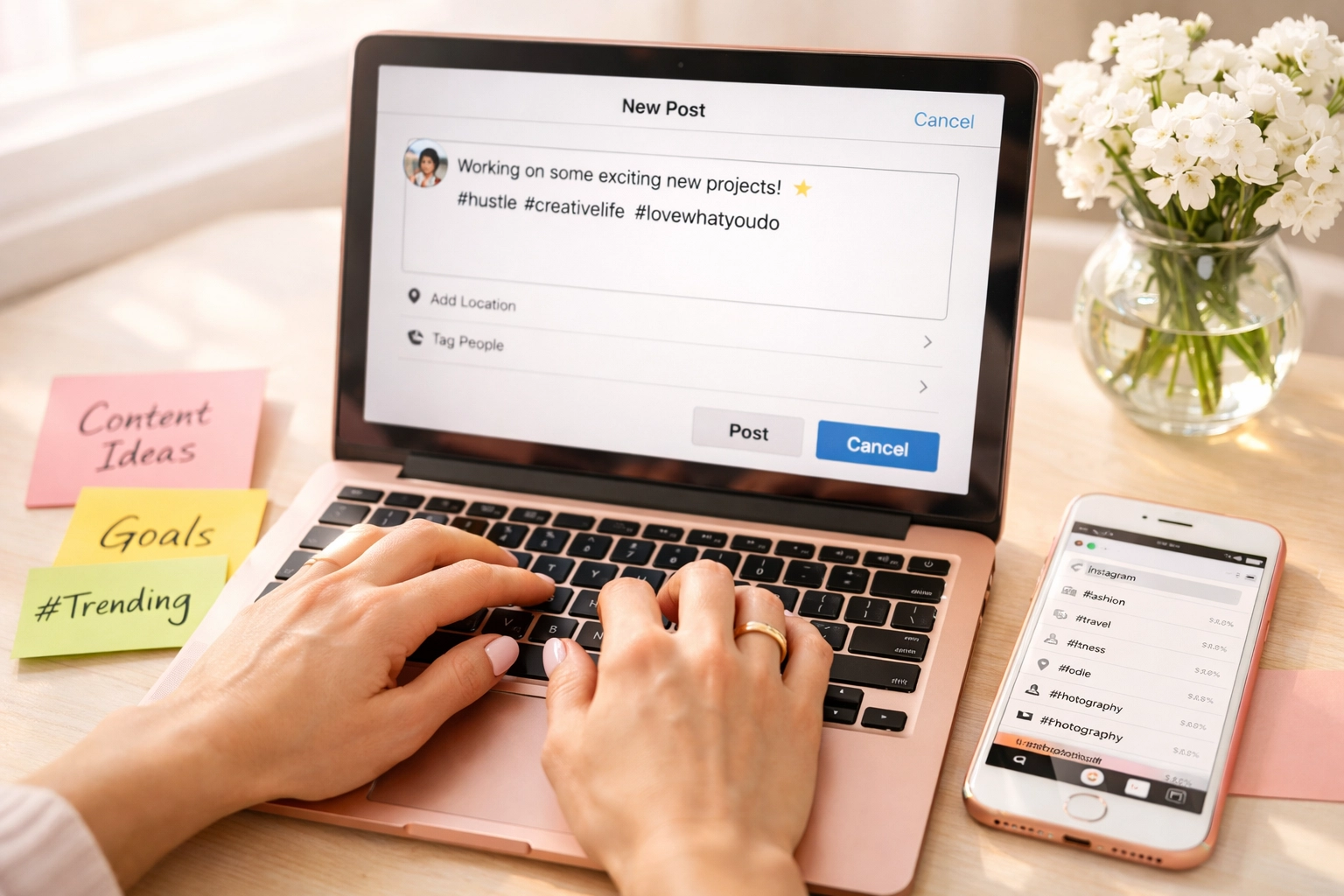
Platform-Specific Strategies
Each platform has its own quirks. Here's how to optimize for each one:
Instagram: Keywords Over Hashtags
Instagram made a huge shift away from hashtag-based discovery. Now, it's all about keywords woven naturally into your captions.
What works in 2026:
Use 3-5 highly specific hashtags (not 30)
Place keywords in the first paragraph
Write captions under 30 words when possible for higher engagement
Include custom alt text on your images with descriptive keywords
For Reels, add on-screen text with keywords since many watch without sound
Example caption structure: "Need help managing your social media accounts? Here are three signs it's time to hire a social media manager: [list your points]. Save this post if you're a small business owner ready to get your time back. #SocialMediaManager #SmallBusinessTips #PhoenixvilleBusiness"
TikTok: Say Your Keywords Out Loud
TikTok's algorithm is incredibly smart: it actually transcribes your audio. That means speaking your keywords naturally in your videos is just as important as writing them in captions.
TikTok optimization checklist:
Include keywords in captions, on-screen text, AND spoken audio
Use a mix of trending and niche-specific hashtags
Ride trending sounds when they align with your content
Keep captions conversational but keyword-rich
Front-load the value in the first 3 seconds of video
Facebook: Context Is King
Facebook still values longer-form content and engagement. Your captions can be more detailed here, which is perfect for keyword optimization.
Facebook caption strategy:
Write fuller explanations that provide real value
Use structured lists and question-based content
Tag your location to boost local discoverability
Create posts that encourage meaningful comments (not just emojis)
Cross-post to relevant Facebook Groups where your ideal clients hang out
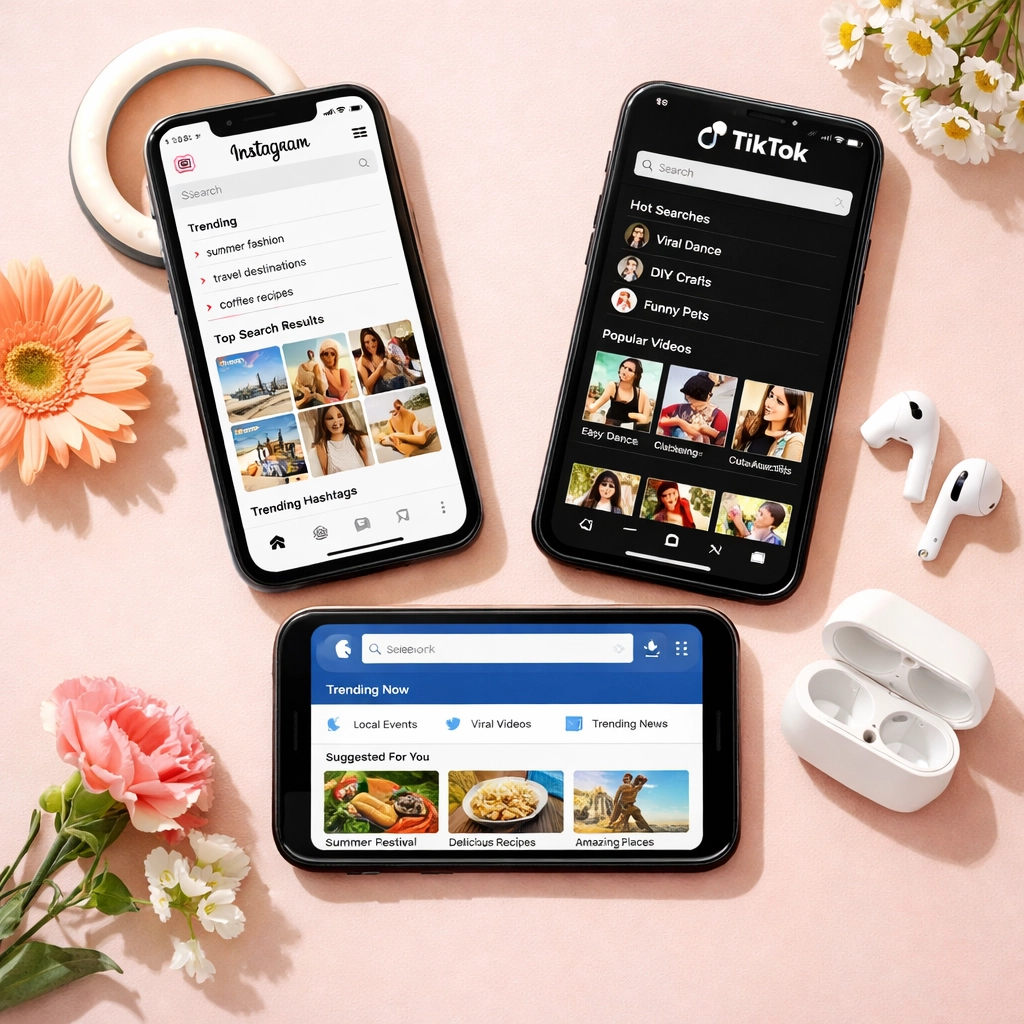
The Natural Language Rule
Here's what you need to avoid: keyword stuffing. Writing "social media manager Phoenixville social media marketing Phoenixville PA" sounds robotic and turns people off.
Instead, weave keywords naturally into helpful sentences: "As a social media manager in Phoenixville, I work with local businesses who want to show up in their community's feed without spending hours on content creation."
See how that reads like a normal conversation while still including the keywords people search for? That's the sweet spot.
The algorithm is smart enough to understand context and synonyms. You don't need exact matches. Just write clearly about your topic using the words your audience actually uses.
Beyond the Caption: Metadata Matters
Your caption is the star, but don't forget the supporting cast:
Alt text: Every image you post should have custom alt text that describes what's in the image using relevant keywords. This helps with accessibility AND search visibility.
On-screen text: If you're creating Reels or TikToks, include text overlays that reinforce your keywords. The platforms can read these too.
Engagement prompts: End captions with specific calls-to-action like "Save this for later" or "Comment your biggest struggle with social media." Saves and meaningful comments signal to the algorithm that your content is valuable.

Testing and Tracking What Works
Not every caption will be a home run, and that's okay. Pay attention to which posts show up in search results and drive profile visits from people who aren't already following you.
Instagram Insights now shows you how many non-followers saw your content through search. That's your report card for caption optimization.
Keep a running list of which keywords and phrases perform best for your account. Double down on what works. Adjust what doesn't.
Putting It All Together
Let me give you a simple formula to start with:
[Keyword-rich opening sentence] + [Value or list] + [Call-to-action] + [3-5 relevant hashtags]
For example: "Managing social media for your small business in 2026 means showing up in search results, not just feeds. Here are 3 caption mistakes that make you invisible: [your list]. Which one surprised you? Comment below! #SocialMediaTips #SmallBusinessMarketing #ContentStrategy"
Start there, then experiment. Add your personality. Tell stories. But always keep that search-friendly foundation.
Your Captions Are Working Harder Than You Think
The beautiful thing about optimizing for social search is that it forces you to create more valuable, helpful content. You're not just posting for the sake of posting. You're answering questions, solving problems, and showing up exactly when someone needs you.
And that's the kind of content that builds trust, attracts ideal clients, and actually moves your business forward.
Ready to make your captions work harder for you? Start with one post this week using these strategies. Lead with a keyword-rich sentence. Answer a real question your audience is asking. See what happens.
Or if you'd rather hand this off to someone who lives and breathes social media strategy? That's exactly what I'm here for.
Phone: 610-298-9960 Email:info@tonyageorge.design Website:tonyageorge.design
Comments