Social SEO Explained in Under 3 Minutes: How Your Captions Now Work Like Google Keywords
- Tonya George
- Feb 27
- 5 min read

Remember when Instagram was just pretty pictures and TikTok was just dance videos? Yeah, those days are over.
In 2026, your social media captions aren't just there to be clever or funny, they're working like mini search engines. And if you're not treating them like Google keywords, you're basically invisible.
Here's the thing: people aren't just scrolling anymore. They're searching. On Instagram. On TikTok. On Facebook. And your captions are either showing up in those searches, or they're not.
Let me break down exactly what's happening and how to make it work for you.
What Is Social SEO (And Why Should You Care)?
Social SEO is the practice of optimizing your social media content, captions, posts, bios, even your comments, so people can actually find you when they search on social platforms.
Think of it this way: Google indexes websites. Instagram, TikTok, and YouTube now index your captions.
When someone types "social media tips for small business" into Instagram's search bar, the algorithm scans every caption on the platform looking for those exact words. If your caption includes that phrase naturally, boom, you show up in the results.
It's not magic. It's strategy.
And the best part? You don't need a massive following to make this work. You just need to understand how captions function as the social media version of Google keywords.
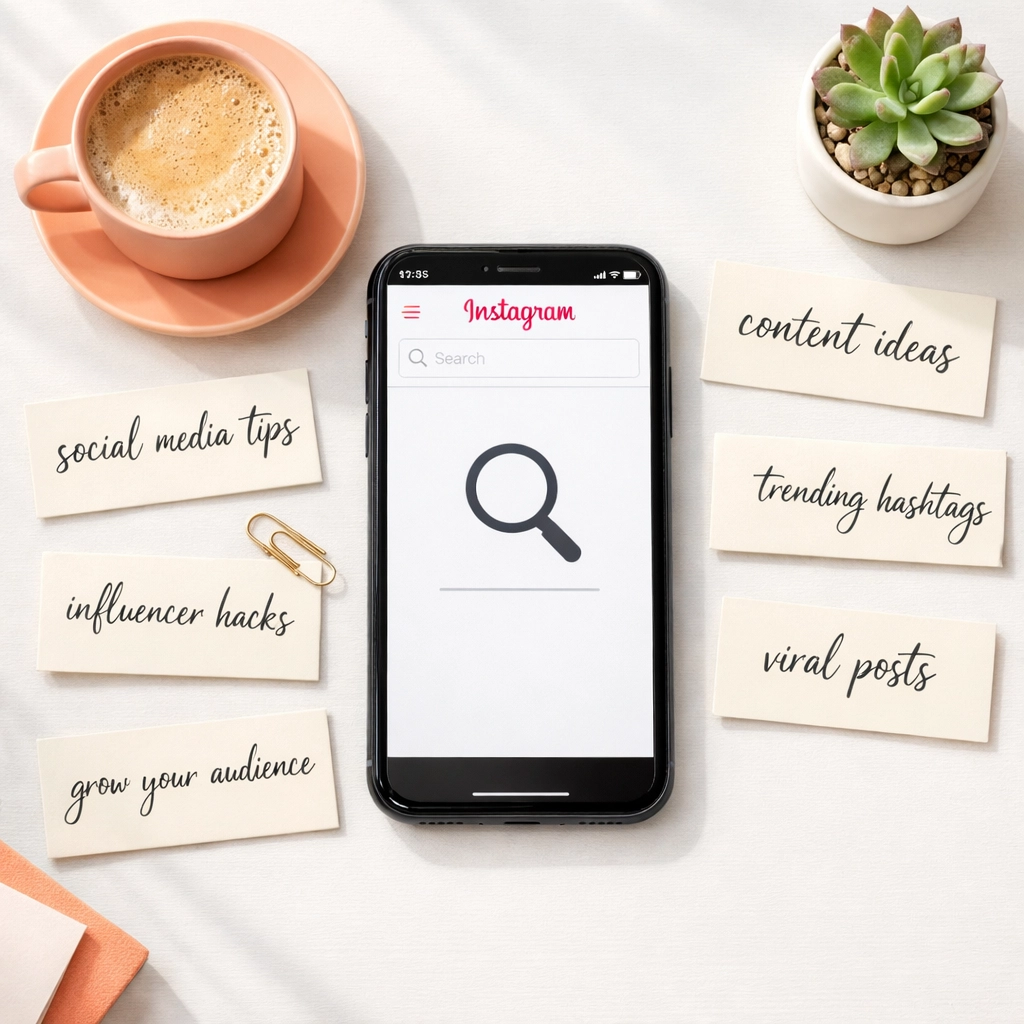
How Your Captions Now Work Like Google Keywords
Let's get specific.
When you write a blog post for Google, you probably think about what keywords your audience is searching for, right? You sprinkle those phrases throughout your content, make sure they're in your headings, and hope Google notices.
Social platforms work the exact same way now.
Here's what happens behind the scenes:
The algorithm reads your caption word-for-word. It's looking for keywords, phrases, and topics that match what users are searching for on the platform. If someone searches "content calendar ideas," and your caption says "Here are 5 content calendar ideas to save you time," guess whose post is showing up?
Keywords in captions = visibility in platform search results. Just like a webpage ranks on Google, your Instagram post ranks on Instagram search. Your TikTok video ranks on TikTok search. And yes, even your LinkedIn posts now show up in LinkedIn's internal search engine.
Hashtags aren't enough anymore. I know, I know, we've been told hashtags are the key to discovery for years. But here's the shift: hashtags help with feed discovery (when people scroll hashtag pages). Keywords in your caption help with search discovery (when people actively type queries into the search bar).
Both matter. But captions carry more weight now because they tell the algorithm what your content is actually about.
Why This Shift Matters in 2026
You might be thinking, "Okay, so social platforms have search features. Big deal."
But here's where it gets really interesting.
Social media platforms have officially become primary search engines. Not secondary. Not "just for younger audiences." Primary.
According to recent data, more than 40% of Gen Z users skip Google entirely and search on TikTok or Instagram first when they're looking for recommendations, tutorials, or local businesses.
And it's not just Gen Z anymore. Millennials, Gen X, even Boomers are using Instagram search to find restaurants, service providers, and product recommendations.
So if you're treating your captions like an afterthought, just a quick "loving this vibe ✨" with some emojis, you're missing out on one of the biggest traffic sources available to you.

But wait, there's more.
Your social content now influences how you rank on traditional search engines too. Google and AI-powered search tools (like ChatGPT search, Perplexity, and others) are analyzing your social media presence as part of their ranking factors.
They're looking at:
What topics you consistently post about
How engaged your audience is
Whether your brand is being mentioned and cited across platforms
The keywords you use in your captions
This means your Instagram caption about "social media strategies for service-based businesses" could indirectly boost your website's Google ranking for that same phrase.
Wild, right?
How to Optimize Your Captions for Social SEO
Alright, enough theory. Let's talk about what you actually need to do.
Use the Keywords Your Audience Is Actually Searching
Don't guess. Research.
Type phrases into the Instagram or TikTok search bar and see what auto-fills. Those suggestions? That's what people are searching for.
For example, if you're a social media manager, try typing "social media" and see what pops up. You might see:
Social media tips
Social media content ideas
Social media calendar
Use those exact phrases in your captions. Naturally. Like you're talking to a friend who happens to be searching for that topic.
Front-Load Your Keywords
The first sentence of your caption matters most.
Don't bury your keywords in the middle or at the end. Lead with them.
Instead of: "I've been thinking a lot about content lately, and I realized something important about planning..."
Try: "Content calendar tips that actually save you time: here's what works in 2026."
See the difference? The algorithm sees it too.
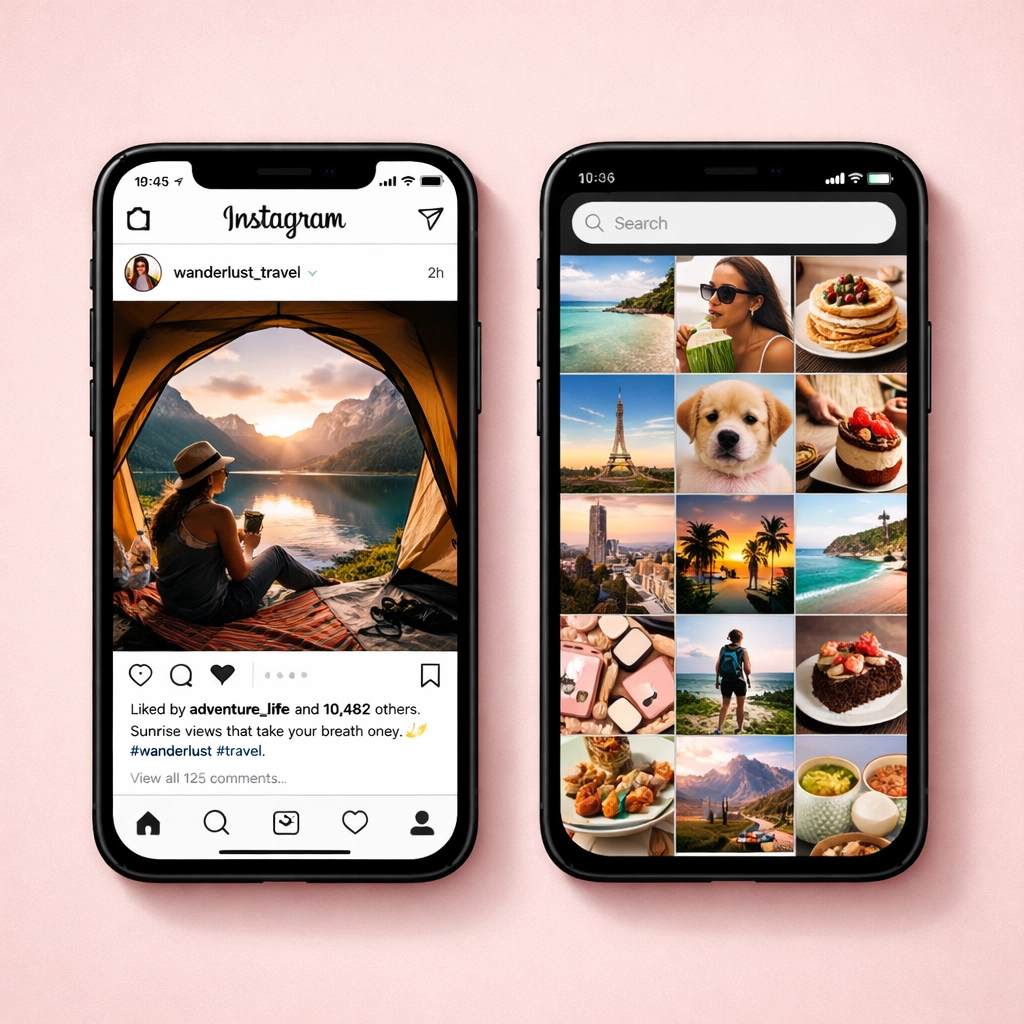
Write Captions Like You're Answering a Question
People search on social media because they have questions.
"How do I plan content for Instagram?" "What's the best time to post on TikTok?" "How do I grow my email list through social media?"
Frame your captions as answers to those questions. Use the question as your hook, then provide the value.
This does two things: it includes the keyword phrase (the question), and it signals to the algorithm that your content is helpful, which boosts your ranking.
Stay Consistent with Your Topic Focus
The algorithm rewards consistency.
If you post about 10 different random topics, the algorithm doesn't know what you're an authority on. But if you consistently post about social media strategy, content creation, and branding, it starts to recognize you as a go-to source for those topics.
This builds what's called topical authority, and it's huge for both social search and traditional SEO.
Keep It Natural (Don't Keyword Stuff)
Here's the line you don't want to cross: sounding like a robot.
Yes, include keywords. But don't sacrifice readability or your brand voice.
Bad example: "Social media tips social media strategy social media marketing for small business social media content."
Good example: "Need fresh social media tips? Here's a simple content strategy that works for small businesses without overwhelming your schedule."
The second one includes the keywords naturally while still sounding like a human wrote it.
The Bigger Picture: Social Search Builds Brand Authority
Here's what excites me most about this shift.
When you optimize your captions for social SEO, you're not just playing the algorithm game. You're building genuine brand authority.
Every time someone searches for advice in your niche and finds your post, you're positioning yourself as the expert. You're the answer. You're the solution.
And when AI tools or Google crawl social platforms looking for who's talking about what, they're finding you. Consistently. Across platforms.
That authority compounds over time. It turns into followers, clients, collaborations, and opportunities you didn't even know existed.
Start Treating Your Captions Like SEO Gold
Social SEO isn't some future trend, it's happening right now.
Your captions are either helping you get found, or they're letting you stay invisible.
The good news? You don't need to overhaul everything overnight. Start with your next post. Include one keyword phrase. Answer one question your audience is searching for. Write like you're having a conversation, but with search intent in mind.
That's it. That's the shift.
And if you stay consistent, you'll start seeing the results show up in your DMs, your engagement, and yes: even your client inquiries.
Get in Touch
Want help building a social media strategy that actually gets you found? I'd love to chat about how we can optimize your content for visibility and growth in 2026.
Phone: 610-298-9960 Email:info@tonyageorge.design Website:tonyageorge.design
Comments